
Step 1
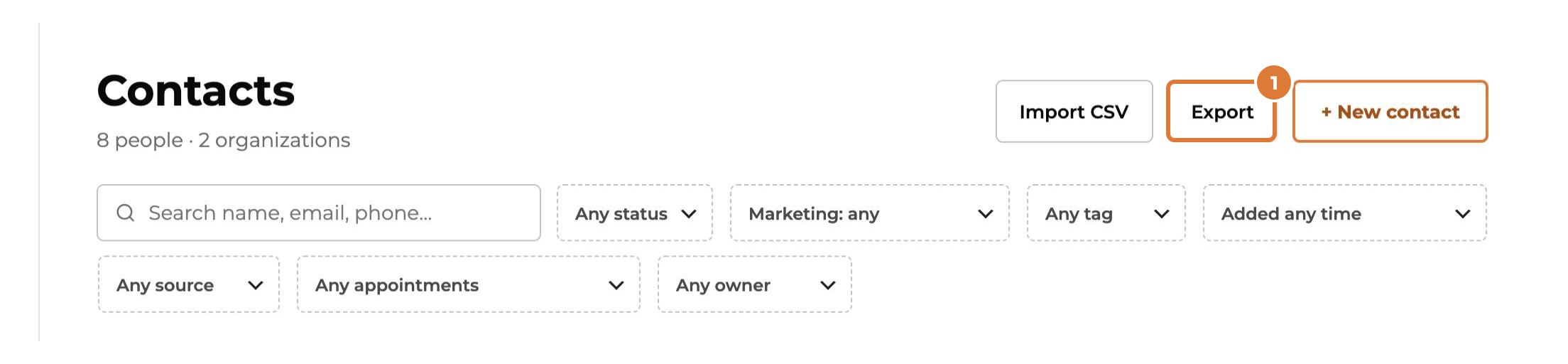
Go to Contacts. Want only some of them? Search or filter first, or tick them. Then choose “Export”.
Step 2
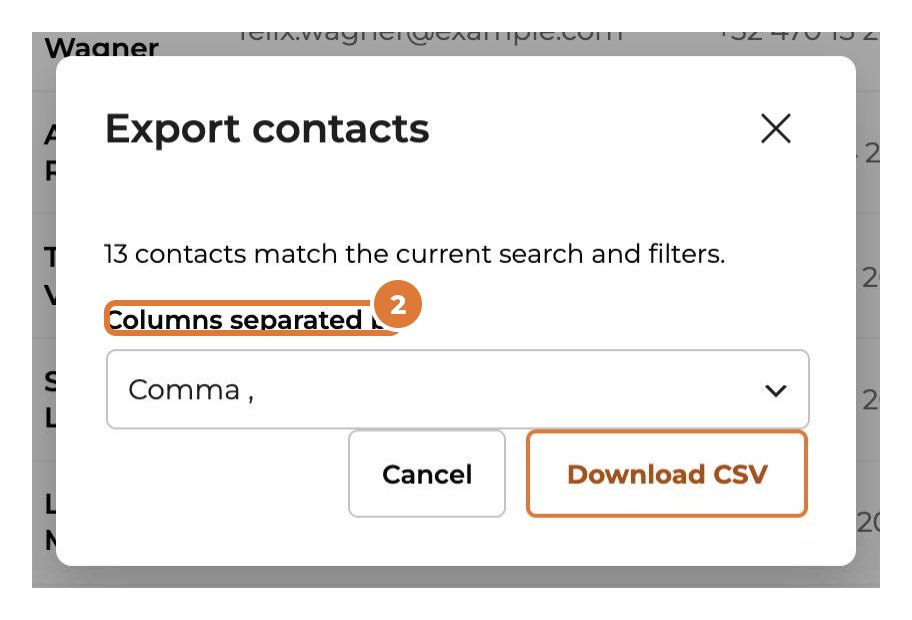
Choose how columns are separated. Opening it in Excel in Europe? Choose the semicolon, otherwise everything lands in one column.
Step 3
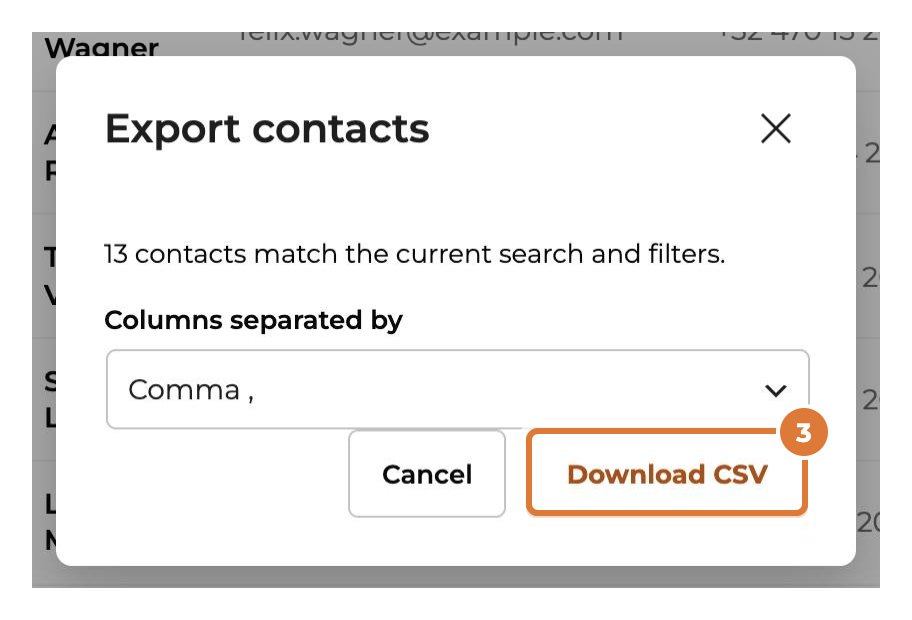
Choose “Download CSV”.
Step 4
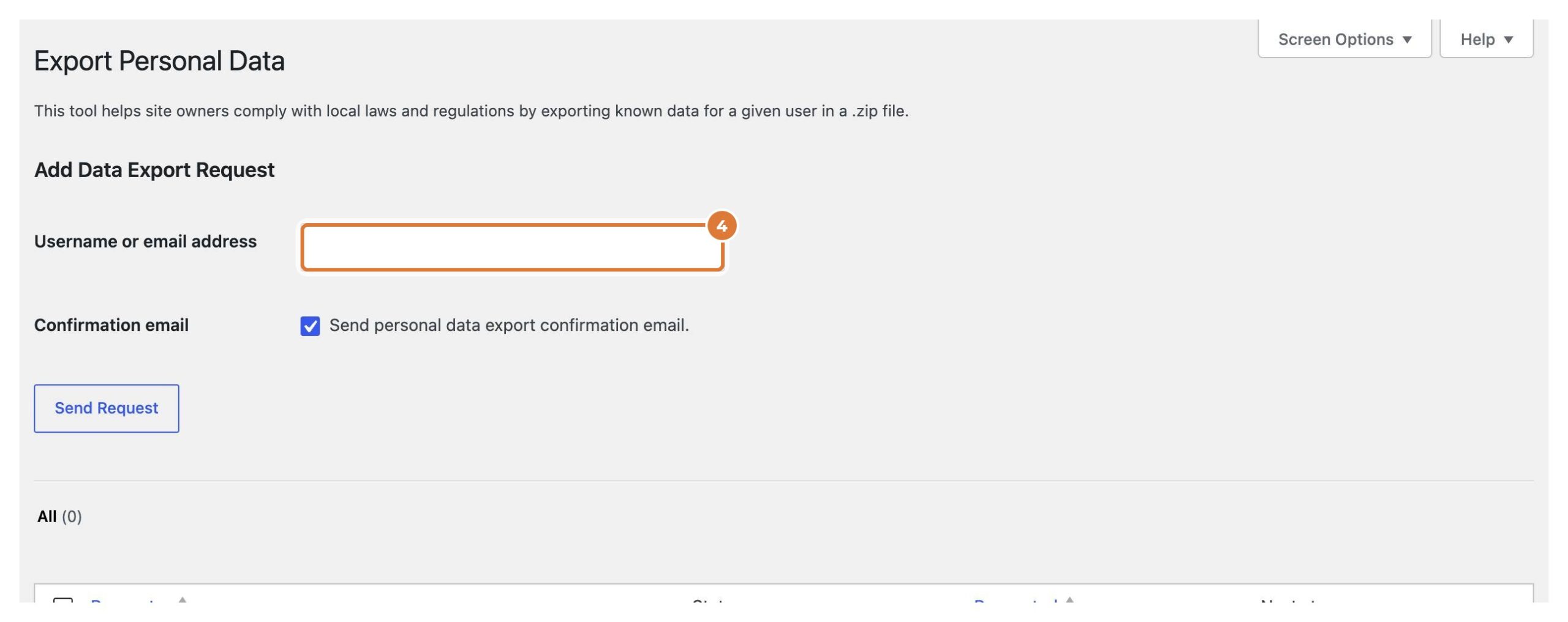
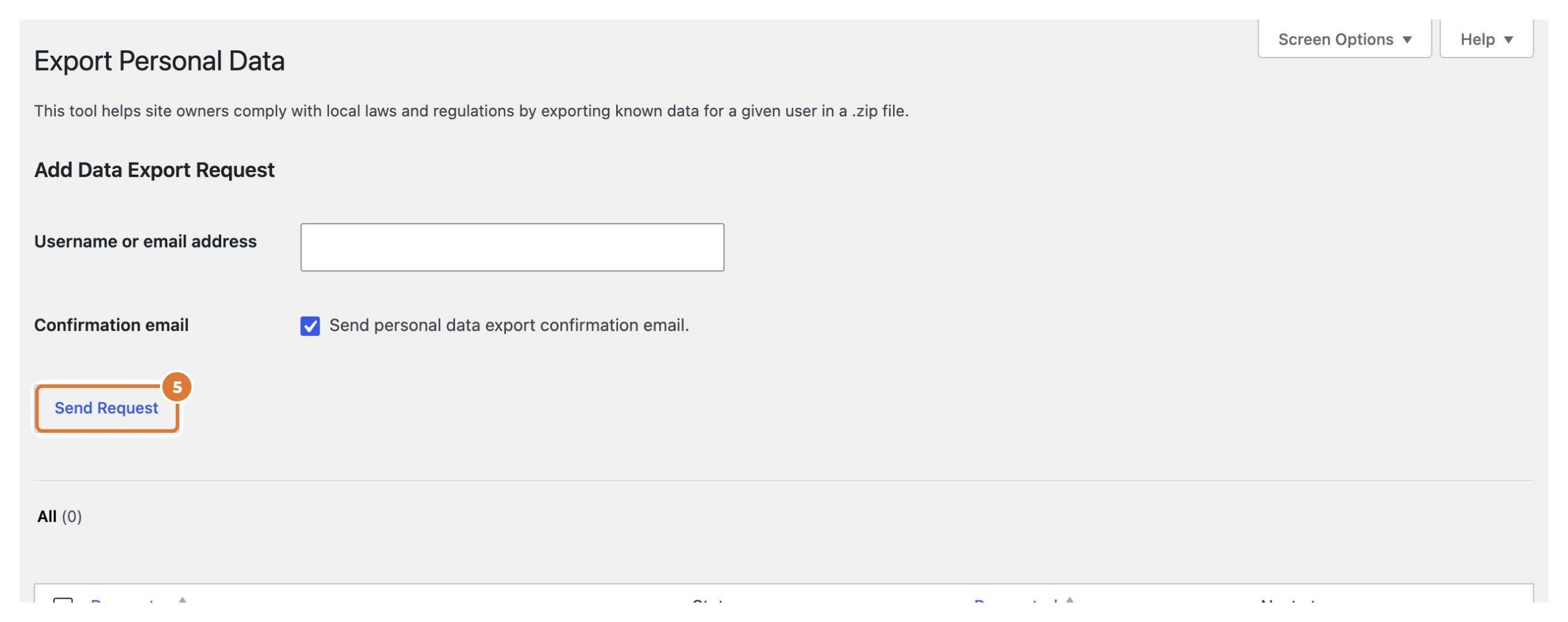
Someone asks which data you keep, or to delete it? Use the privacy tools of WordPress: Tools → Export Personal Data (or Erase Personal Data). Fill in their email address.
Step 5
Choose “Send Request”: the person confirms by email, and you then download or erase everything, Kwazi’s data included (contact, submissions, appointments, permissions and timeline).
Tip: Moving a contact to the trash is not the same: you can restore it for 30 days. For a request to delete, use Erase Personal Data.